TraVisionFoundation

Irish Traveller-led. Rooted in Sligo.
Open to everyone.

Privacy

Your information.
Your choice.

Find out where your reading list and listening place are saved, what a shared list contains and how we use your email when you get in touch.

Ask the Foundation

Many stories.One shared thread.

What this website does

You can read, watch and explore public pages without an account. See our cookies and browser storage notice for site settings and choices. The contact page offers an enquiry form and a direct email link. Sending the form passes your message and reply address to the Foundation’s email service when delivery is configured.

Your preferences

Motion, text-size and light/dark appearance preferences may be saved in local storage on your device. Clear your browser’s site data to remove them.

External services

The Library guide can check approved scholarly and official sources using preset subject searches. Your question and conversation stay with the Foundation. Opening an external publication takes you to the publisher website. Optional read-aloud starts only after you choose Listen or Preview. Browser voices may use an online speech provider; bundled AI recordings are served with the website. The reader labels its current source. Review your browser’s privacy settings.

Your privacy rights

TraVision Foundation handles information you send when using Foundation services. You can ask about access, correction, deletion or other data protection rights by emailing travisionfoundation@gmail.com. You can also raise a concern with Ireland’s Data Protection Commission.

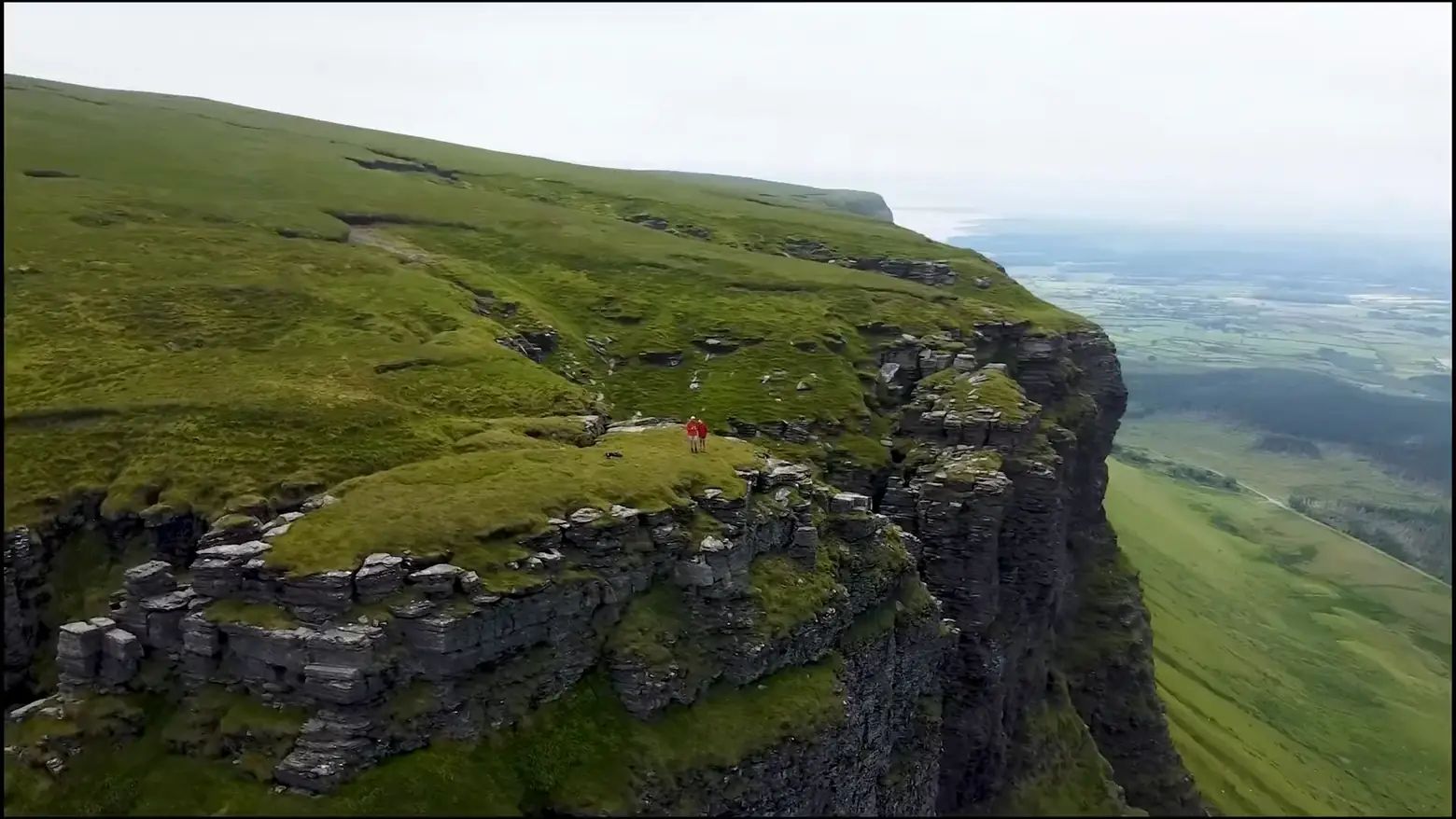
Landscape photographs

Some photographs may load directly from Wikimedia Commons if local copies have not been downloaded. Those image requests disclose normal connection information to the image host. External players and other embedded services can receive connection information when they load. See the cookies notice for details.

Optional narration

Matching AI narration is generated in advance and served as audio files with this website. Playing those recordings does not send the reading text to a speech provider. Browser voices are an optional, separately labelled fallback; a browser cloud voice may process the public reading text through its provider. This browser saves your choice of reading voice, source and speed. If you choose “Remember my listening place on this device”, it also saves the page and paragraph. Turn the option off to clear your listening place.

What a shared reading list contains

Your guest list and notes are saved in this browser. A shared link contains a copy of the saved entries and their notes at the moment you create it. Anyone who receives the link can read that copy. Later edits to your list do not change a link you have already shared.

Review your notes in My Reading List before sharing. When you only want to pass on one State Paper, use Copy paper link on the paper. That link points directly to the record.

Newsletter and correction forms

When you subscribe, the Foundation uses Brevo to manage your email address and selected subjects. The preferences link in your email lets you change those subjects or unsubscribe.

Opening a source correction form fills in the subject and source link. When you send it, your message, reply address and source link go to the Foundation inbox through its email service. Contact the Foundation.

Student accounts, recordings and your data

The Research Desk stores your username, a password verifier and a sign-in session. The local password-free demonstration also creates a preview account. A session cookie keeps you signed in for up to seven days. Ending a session does not delete the work saved on that account.

Your planner, private notes, drafts and source selections are stored so you can return to them. The Journal uses separate commenting and subscription tools. See the Journal privacy notice. A recording starts when you choose Record and allow microphone access. Saving a draft or handing in work sends that recording to the desk. Your assigned tutor can access submitted work for marking. A peer review shares the selected passage and question with the reviewer you name.

Local demonstration accounts and their saved work are stored on the computer running the preview. Saved coursework has no automatic deletion deadline in this build. To ask about access, correction or deletion, contact travisionfoundation@gmail.com. Give the username or page involved and keep your password private.

You can raise a data protection concern with Ireland’s Data Protection Commission.

Source Studies enrolment uses your student account and course email. Our email service delivers a six-digit confirmation code. Your selected timetable, assignment dates and submitted responses are stored with your account. Newsletter subscription is separate. Contact the Foundation about your course data.